Using Postcast for a Follow-up session
Follow-up Session is a feature in PostCast that allows you to continue the conversation from a previously completed session to dive deeper into topics. Instead of starting fresh, you can build upon your earlier discussions with Alex (the AI interviewer) to create more content.
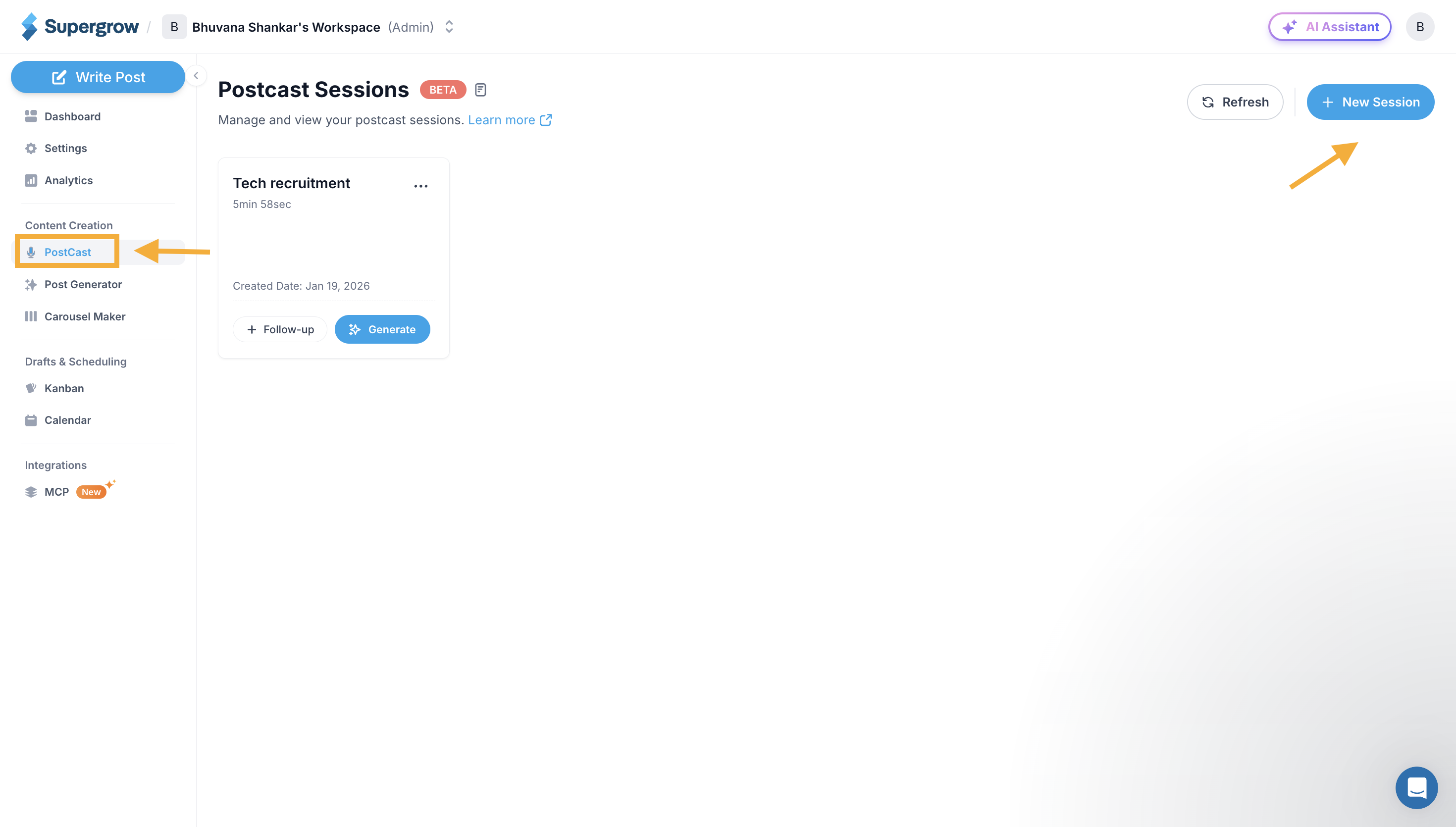
Navigate to PostCast
Go to Postcast option and view the existing postcast session. You should already have a completed at least one session to use the follow up session.
Click on New Session icon.
Start a Follow up session
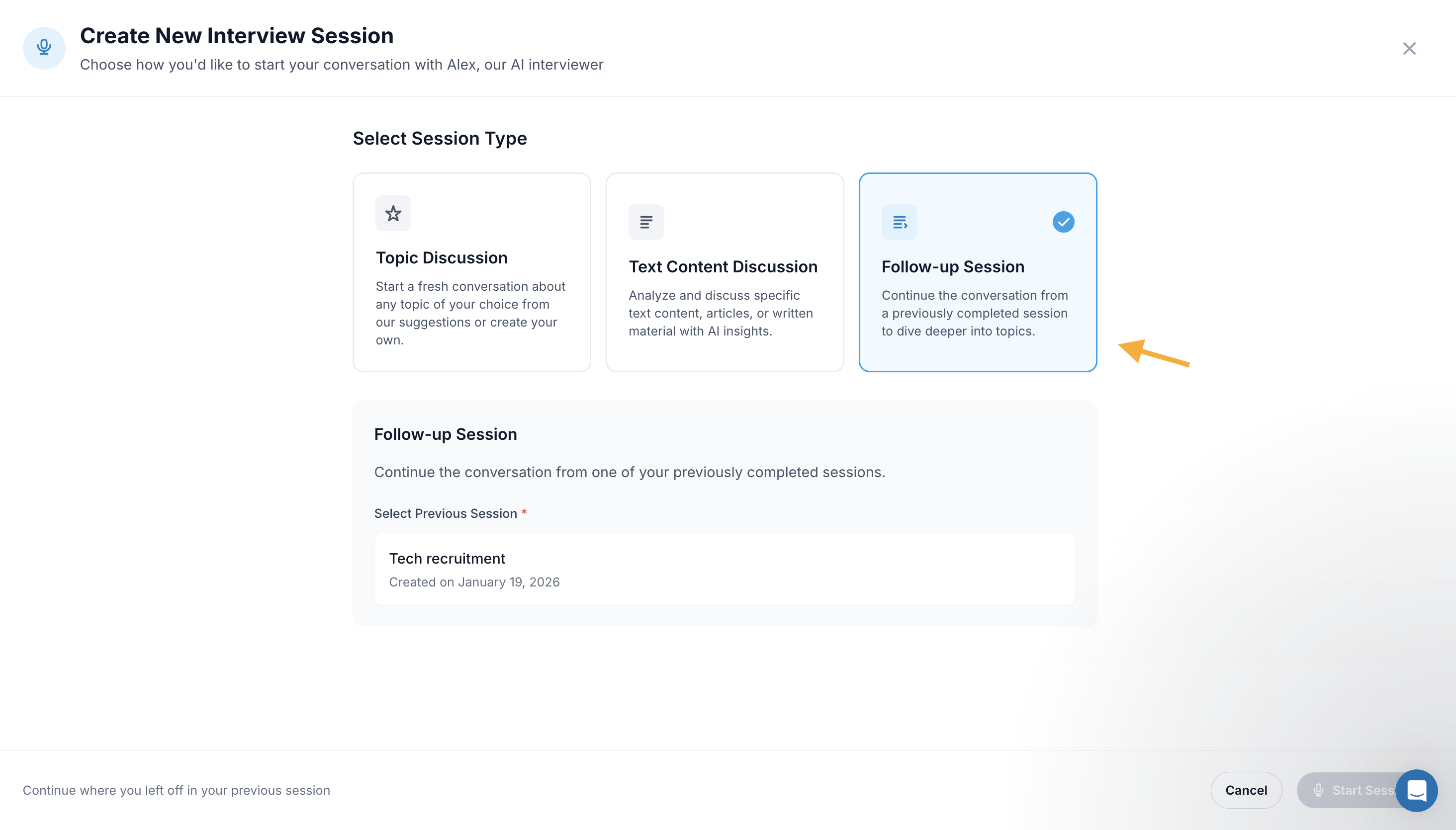
Click on Follow-up Session
Choose from the existing session and click on start session
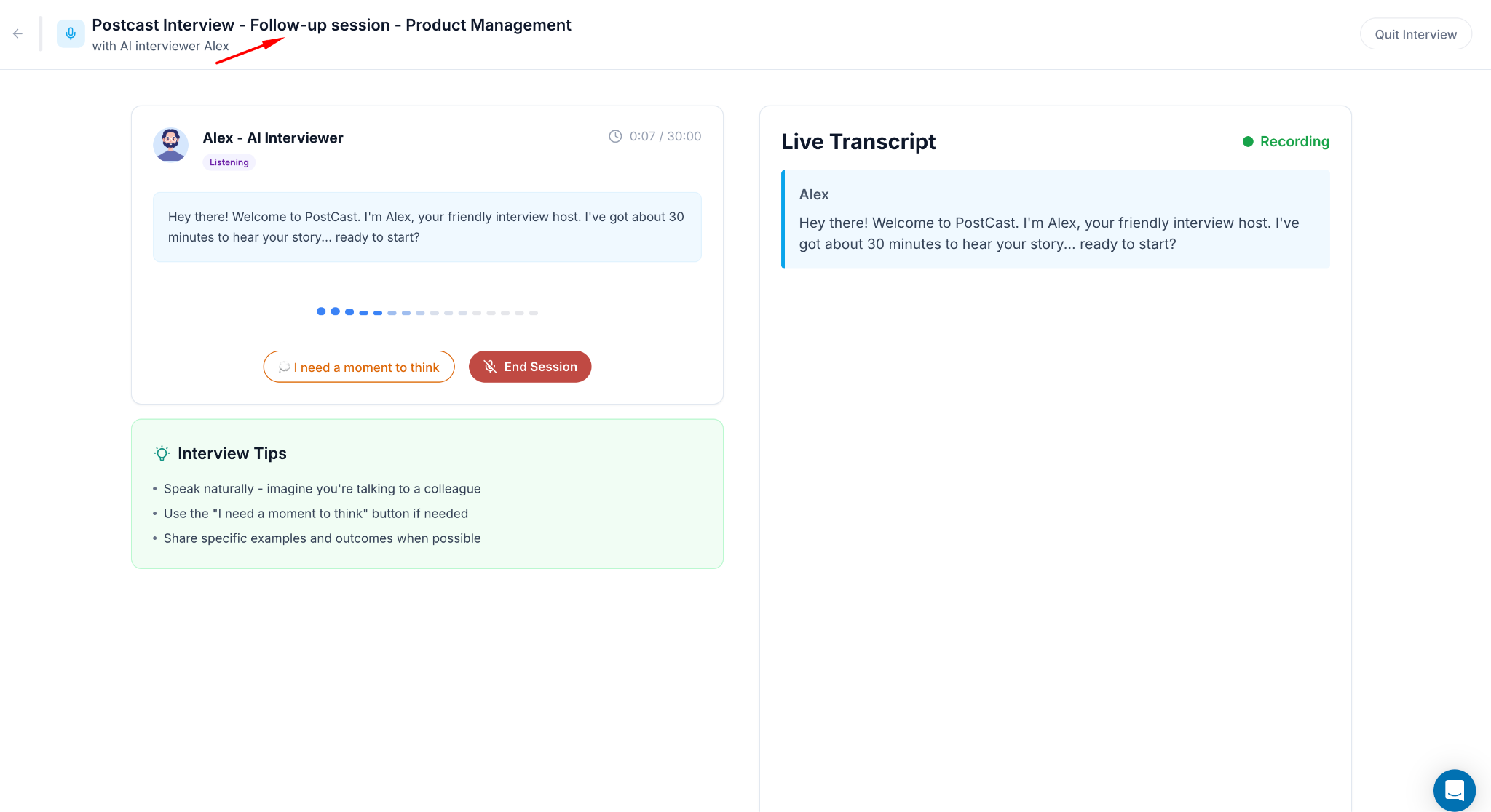
Engage and complete the follow up session
Continue with the postcast session and engage with Alex to have a conversation around the follw up topics
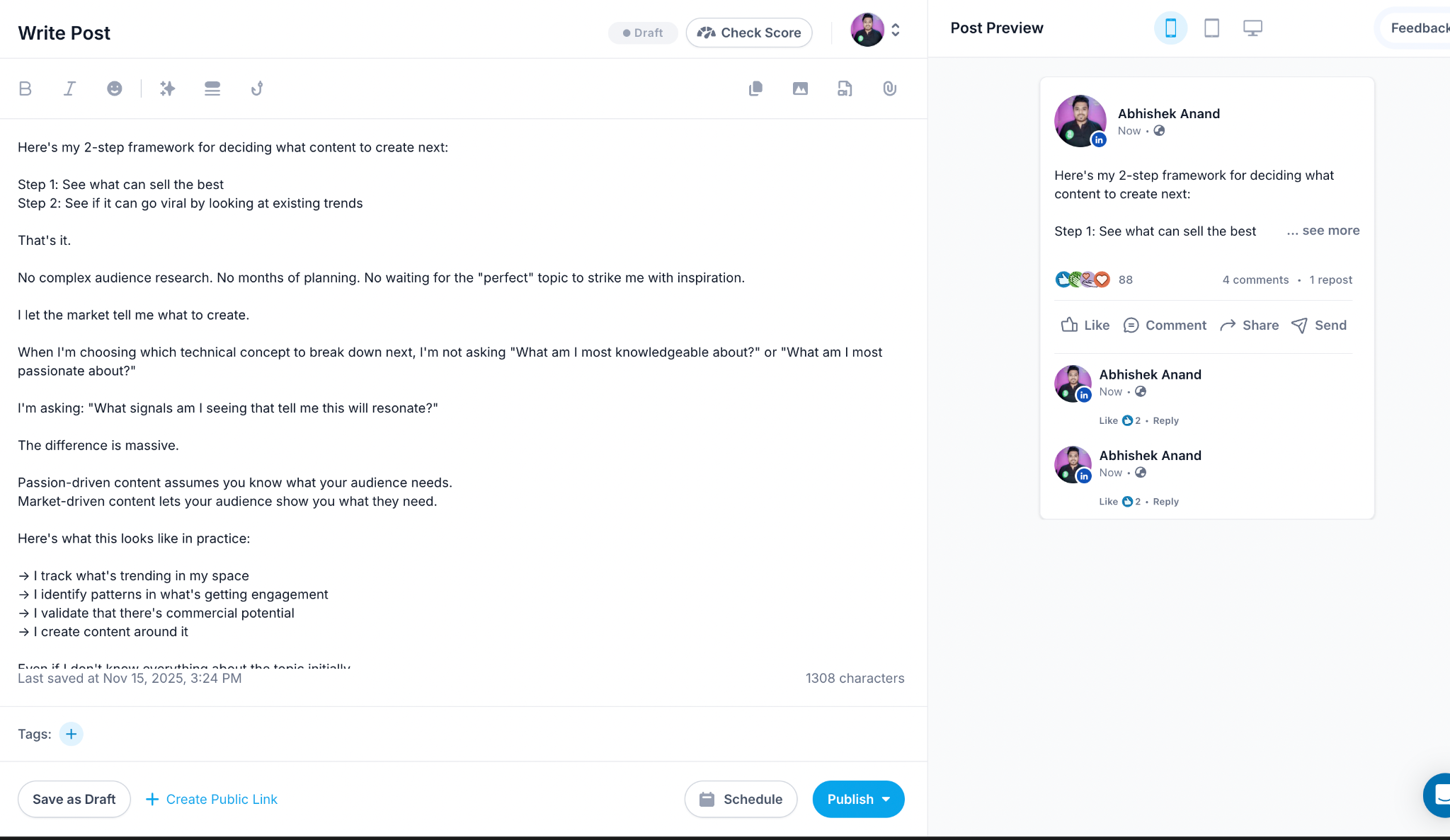
Schedule or Post the content from the follow up session
You can select from the generated posts after the session ends and select one from the suggestions & schedule or publish that content on Linkedin.